Tutorials Table of Content:


  1. Panel Setup

  2. My First Connection

    • Connect
    • Authentification
    • Send a test message
    • Latency
  3. Advanced Messaging

    • Send to Session
    • Send to User
    • Join a hub
    • Send to Hub
  4. Achex JavaScript API

    • API Features
    • Automatic Connection
    • Facebook users auto-login
    • Send Messages

Panel Setup


Sign Up

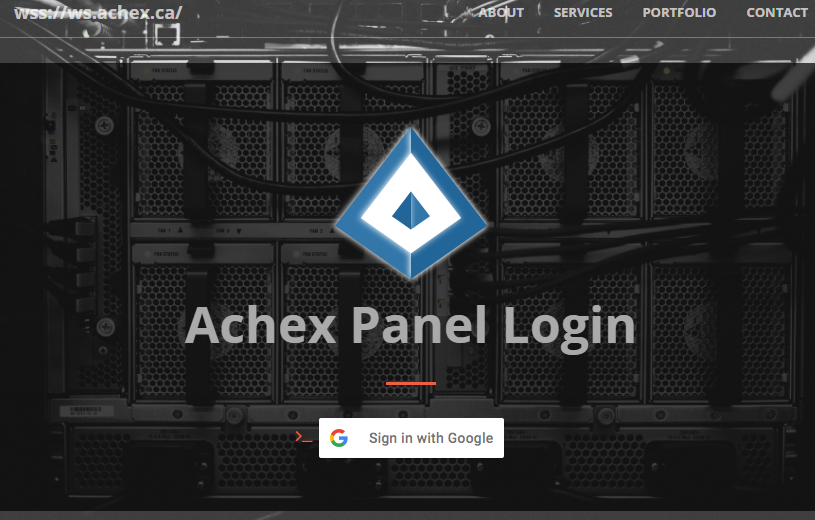
By signing in with your Google account, you Achex account is automatically generated. With this account you will be able to create and modify users and hubs in your web-apps as well as permissions. By creating an account you will be able to monitor statistics on who uses your apps, how much bandwidth your app uses and visitor logins from facebook ar other Achex accounts.
#


#

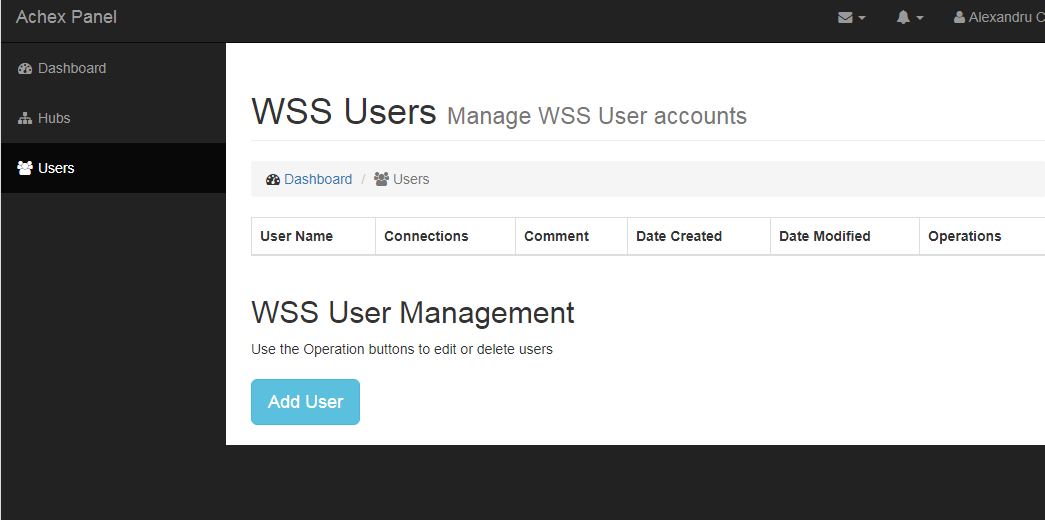
Create Users

Create your first user by clicking on the Users navigation tab and the click Add User.

Users are useful for stand alone applications, electronics and IoT devices. You can have multiple devices connect using the same username and credentials. This can be useful depeding on your application.


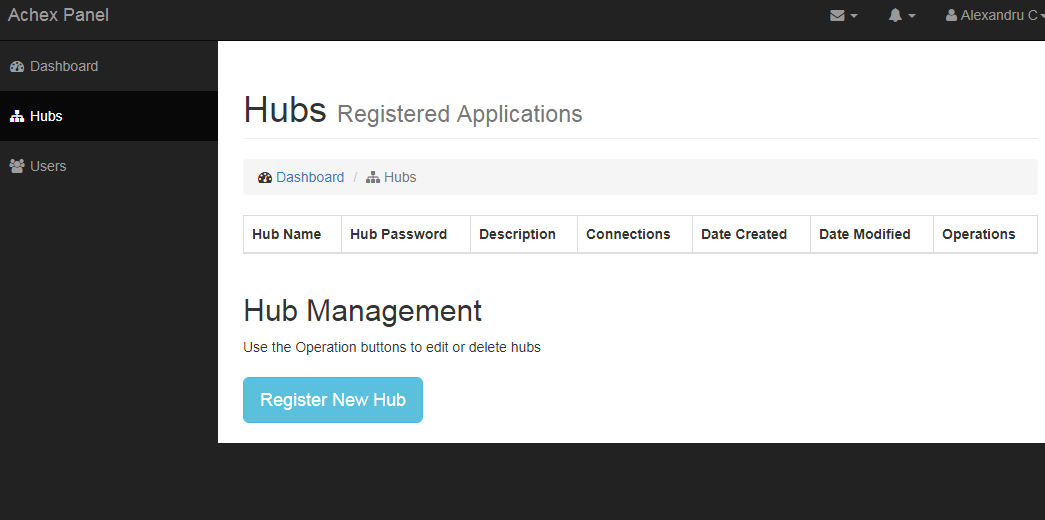
Create Hub

Content comming soon
#

My First Connection


#

Section Name

Lorem ipsum dolor sit amet reprehenderit, enim eiusmod high life accusamus terry richardson ad squid. 3 wolf moon officia aute, non cupidatat skateboard dolor brunch. Food truck quinoa nesciunt laborum eiusmod. Haccusamus terry richardson ad squid. pwolf moon officia aute, non cupidatat skateboard. Wolf moon officia aute, non cupidatat skateboard dolor brunch. Food truck quinoa nesciunt cusamus terry richardson ad squid.